How to Save $462 Annually with Google Workspace
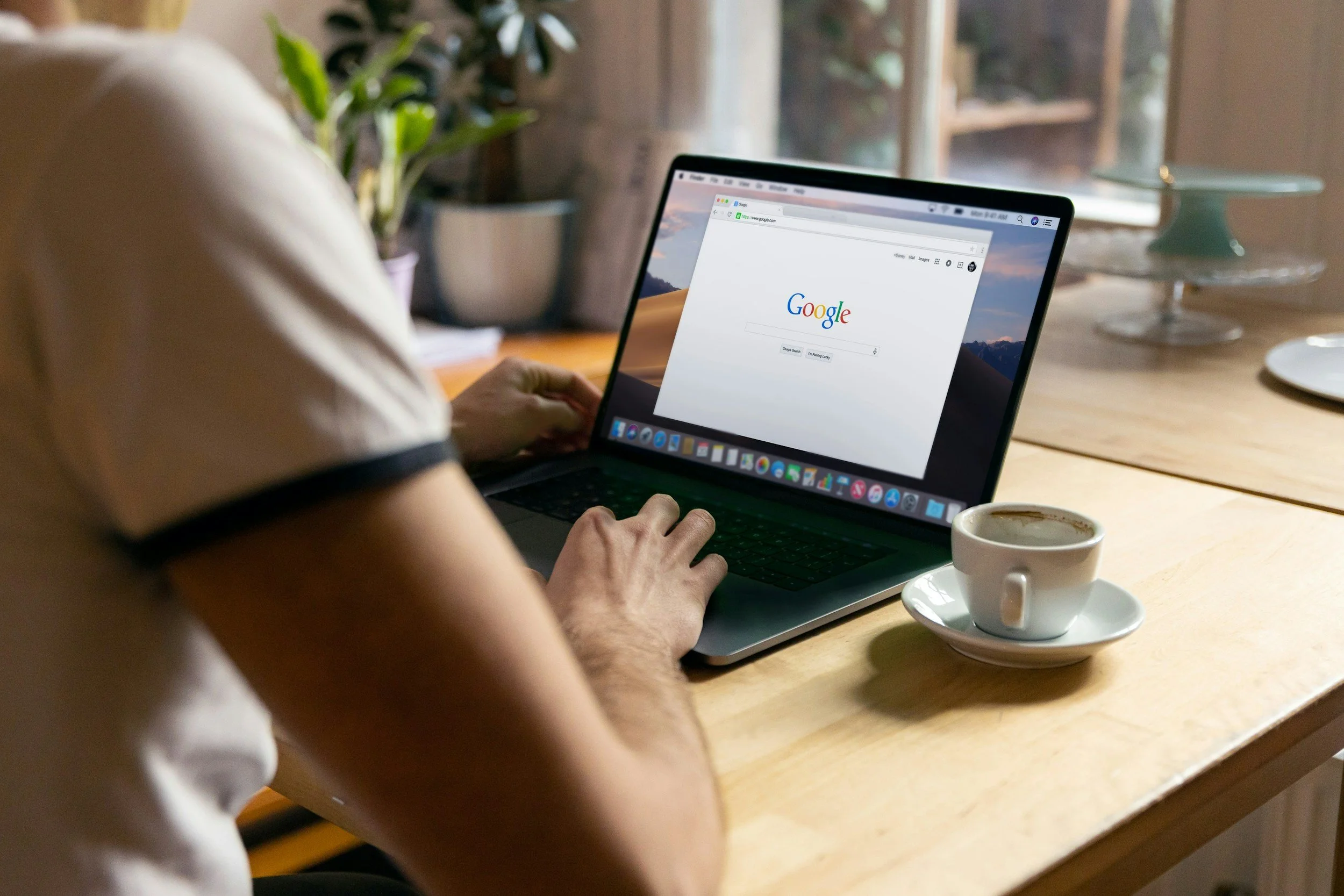
We live in a world where technology shifts rapidly—remember Periscope?
While I’m an advocate for investing in personal and professional development (“If you don’t invest in yourself, why should anyone else?”), I’ve also learned that being a “healthy CEO” means reducing expenses in order to increase profits!
After investing quite a bit of time and money into consultants, I wanted to share a few changes we’re making that could help you save ~$500 a year, too.
$149.90 SAVED
Cancelling Zoom for Google Meet

While the world went on Zoom in 2020, I don’t feel the need to pay for this membership in 2026 when Google Meet is just as easy, prolific, and included with our Google Workspace account.
This is a pretty easy change. For anyone considering moving their studio or business, the only two downsides I’ve noticed are:
🖍️ Struggling to annotate (or draw) on the screen to illustrate ideas—this is easier to do on Zoom and helpful when teaching tech!
🧑🔧 Guests can sometimes struggle with sharing their screen (usually their first time authorizing permissions, especially in recorded sessions).
$119.88 Saved
Cancelling Dropbox for Google Drive
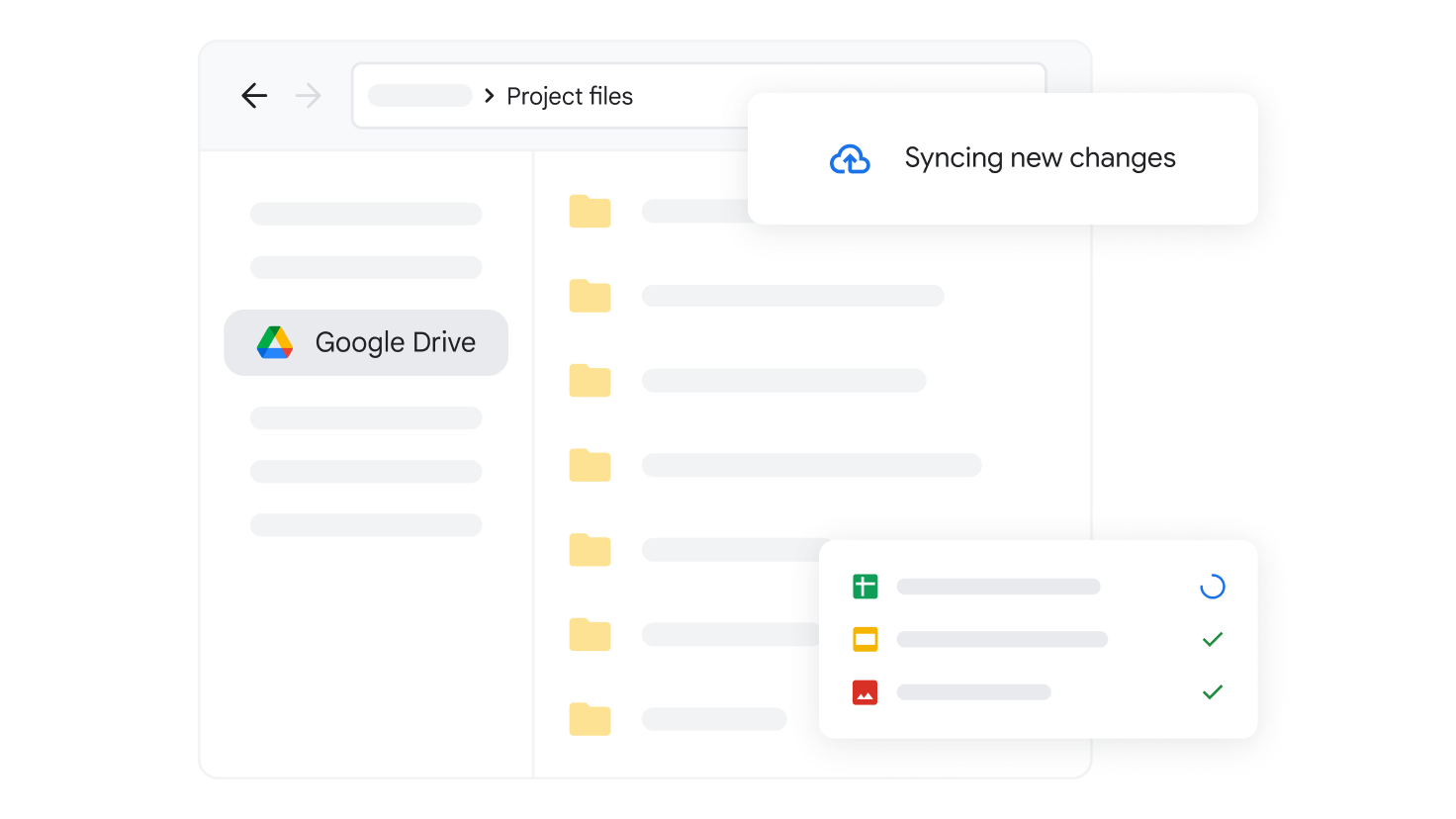
This is another shift. In the early 2010s, it felt like everyone was using Dropbox. In 2026, I’ve found more and more clients struggling to understand what it is, why to use it, and how to share things with us. I feel Dropbox could do better at educating users on privacy settings and access.
We’ll be moving active clients from Dropbox to Drive in April. No need to panic about this move — we’ll be checking in with you individually to make sure no file gets lost or link gets broken.
For anyone considering this change for their own collaborative workspaces, I will say it’s harder to transfer ownership with Drive. On Dropbox, you can simply change a folder’s owner and then leave. With Drive, it’s a very convoluted process involving “Shared Drive” versus “My Drive.”
Still, we’re making this change to save money AND time. There will become ONE place for clients to upload their materials.
Google Drive is much more collaborative with Docs, Sheets, Forms, and more built in. Once I downloaded the Drive App for Mac, it felt just like the Dropbox App. In other words, it syncs well with Apple’s Finder.
$192 Saved
Cancelling Acuity for Google Calendar
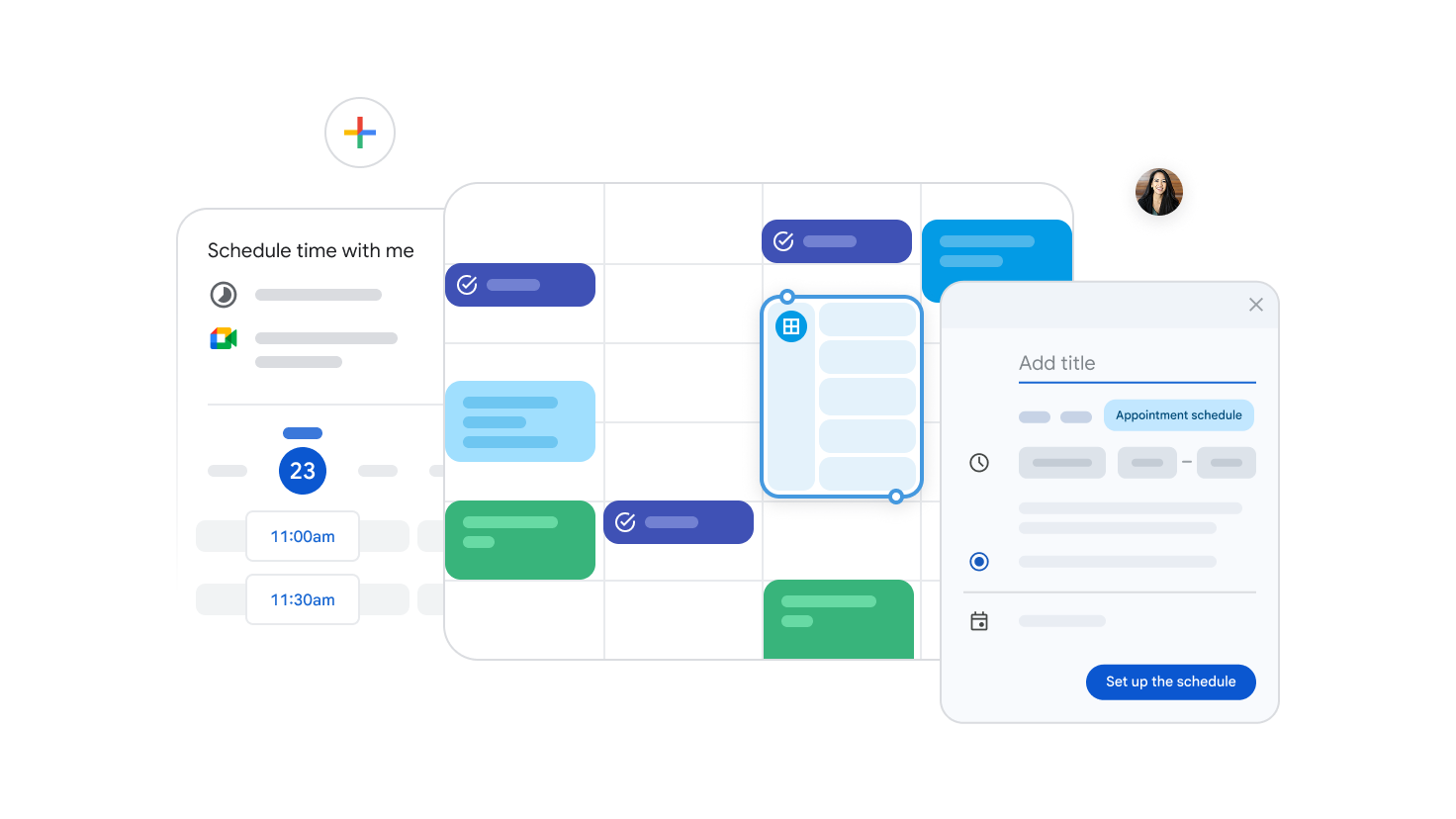
I have been on both sides of many scheduling tools—as an admin and a client. For now, Google Calendar’s booking is working fine. I’ll invest the $200/year I was spending on an Acuity plan elsewhere!
The only trade offs I’ve noticed (for now):
📧 Limited customization for reminders
🚫 No automated follow ups
📊 No dashboard for analytics/reports
A few notes:
We experienced a customer support issue when someone’s payment didn’t go through; therefore they never fully booked their appointment. It’s potentially a bug with Google Calendar, but possibly a user error—it only happened once in months of use and several bookings.
Clients struggle with time zones (though this happens on all platforms). I feel it could be more clear.
Comparisons & FAQs
Why Paid Google Workspace vs. FREE Gmail?
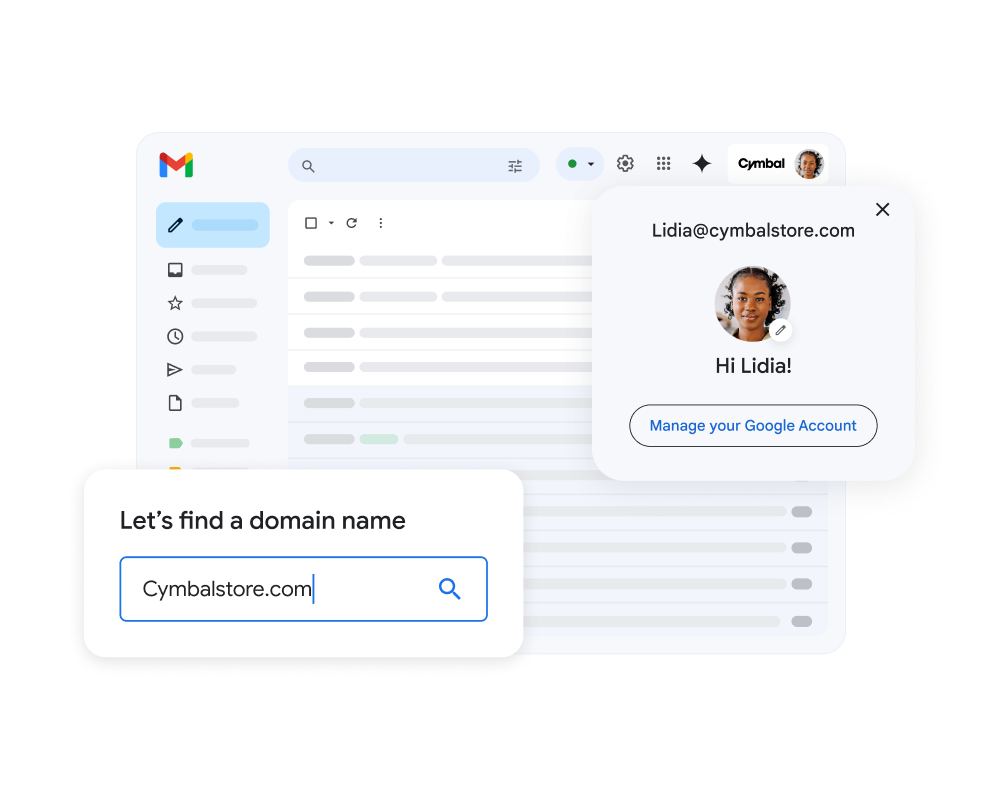
You can start using Google Meet, Drive, and Calendar on a FREE Gmail Account. But usually, you’ll run out of space and need to start paying for Google One.
A better option? Set up Google Workspace. It’s part of creating a professional brand identity — sending emails from you@yourname.com with an email signature that includes YourName.com… consider this your digital stationery.
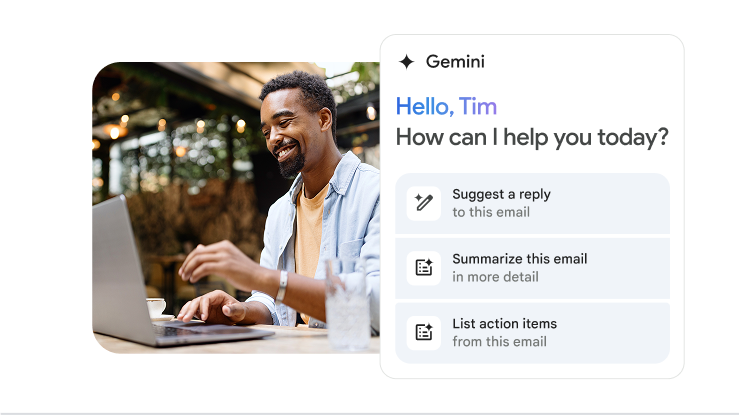
But beyond a slew of additional features (such as Gemini built into every app) and twice the storage space, you’ll also get dedicated technical support.
With the $500 cost savings above and a widely cited stat from Litmus that for every $1 you spend on email marketing, you see up to a $42 return… I strongly encourage all of my clients to sign up for Google Workspace.
Why Google Workspace vs. Microsoft 365?
On occasion, we have clients come to us that are already set up on Microsoft Outlook. While it’s a PITA to migrate from Microsoft Outlook to Google Workspace, I think it’s worth the upgrade — just like moving from an old dingy apartment to a sexy futuristic one. 🤭
IMHO, Google has a much more powerful ecosystem: Meet, Drive, Calendar, Photos, etc. Keep your eye on Gemini and Nano Banana, too!
Want to make the transition?
Get my step-by-step help for setting up your Google Workspace account — down from $197 until March 31st!

Tame Your Inbox & Write Emails That Pay the Bills
Not sure? Click here to learn more.
Rather DIY first? Start 14-day free trial here.